

Export a leadership report to PDF or Excel
How to export a leadership report as a formatted PDF for a deck or board pack, or as an Excel workbook with every row, and what each file contains.
On this page
Take a leadership report out of CultureMonkey as a formatted PDF or an Excel workbook. Both are built from the same blocks you see on screen, with every row included.
Leadership Reports is for Super Admins and is available on request through your Success Manager. If you do not see Leadership Reports under Analyse in the sidebar, it is not switched on for your account yet.
Export a report
- 1Open the report: one of yours, a shared one or a standard report.
- 2Choose Share at the top right.
- 3Under Take a copy, choose PDF or XLSX. The file downloads straight away.
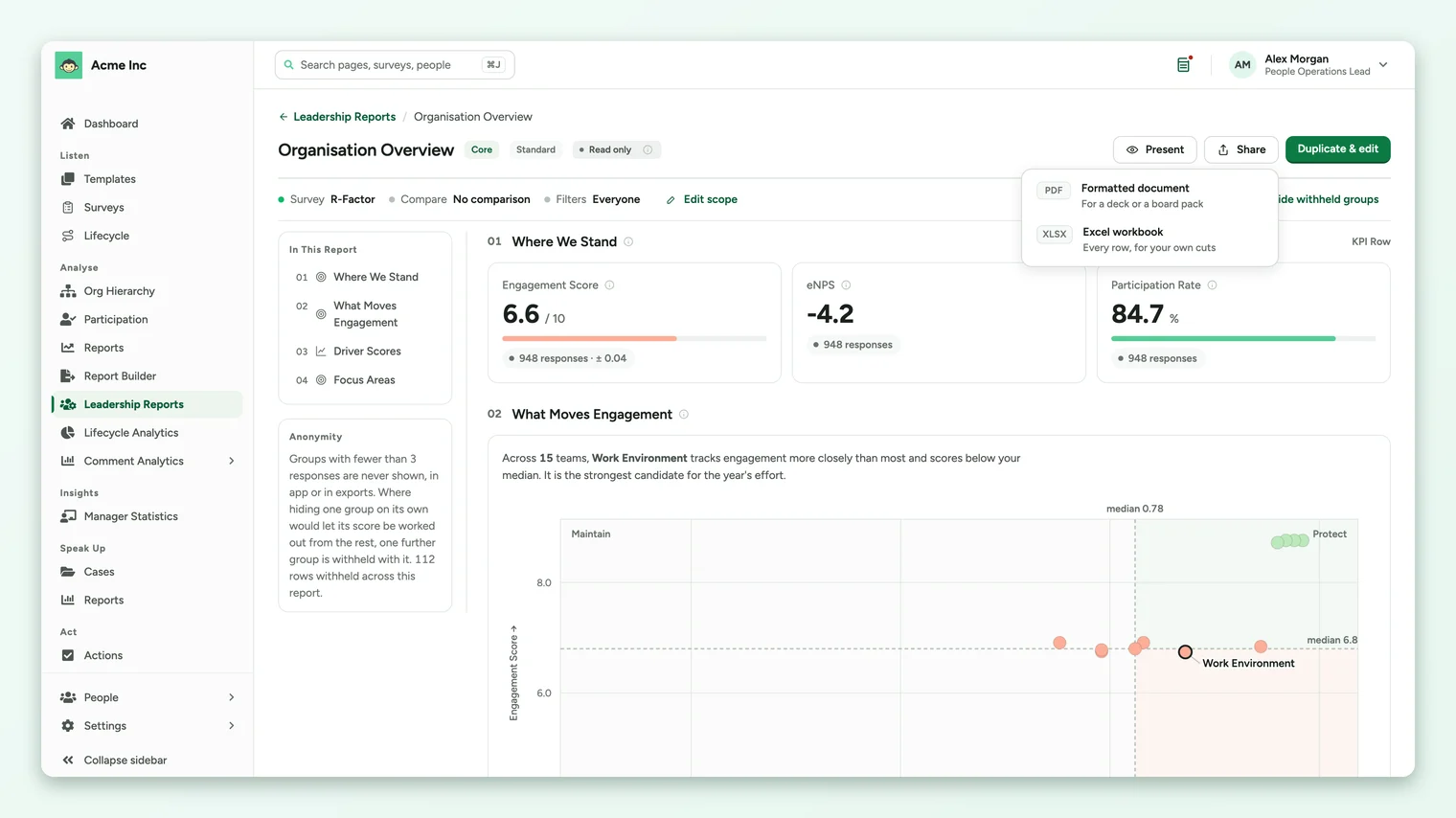
PDF or Excel
| Format | Use it for | What it contains |
|---|---|---|
| PDF, formatted document | A deck or a board pack | The report as it reads on screen, rendered from the same blocks, with every row. |
| XLSX, Excel workbook | Your own cuts | A cover sheet stating what the report covers, then one sheet per block with every row. |
The editor previews the first page of each block; exports always contain every row.
Anonymity in exports
Exports apply the same anonymity rules as the screen. In Excel, withheld cells export as a locked dash, so a hidden group is never mistaken for a zero. See How anonymity works in Leadership Reports.
Sharing inside CultureMonkey
To share a report with other Super Admins instead of sending a file, use Who can see it in the same Share menu and choose All admins with report access. Only the report's owner sees that option.
Frequently asked questions
Can I export a standard report?
Yes. Standard reports have the same Share menu with PDF and XLSX.
Does the export use the comparison and filters?
Yes. The export reflects the report's scope: its survey, comparison and filters.
Is there a PowerPoint export?
Leadership Reports exports PDF and Excel. For an editable PowerPoint deck of a survey report, see Export a report to PowerPoint.
Where to go next
Your feedback helps us improve the Help Center.